

CodePeel vs Cursor BugBot: dedicated reviewer vs editor add-on.
BugBot is Cursor’s automated pull request reviewer — excellent if your team already lives in the Cursor editor, with findings handed off as one-click fix prompts. CodePeel is a standalone reviewer that works from a GitHub App alone, with a free tier, flat pricing, and access from VS Code or any MCP client.
Updated October 2026 · Written by the CodePeel team · Every claim about Cursor BugBot links to Cursor BugBot’s own pages, so you can verify it.
At a glance
| Fact | CodePeel | Cursor BugBot |
|---|---|---|
| Free tier | 30 reviews/mo, unlimited public + private repos | Not on Cursor Free or Plus — bundled from Premium up |
| Pricing | Pro $9.99/user/mo · Max $24.99/mo unlimited | Included with Cursor plans from Premium (~$30/user/mo) upward — no standalone pricing |
| Ecosystem | Standalone GitHub App | Best value inside the Cursor editor |
| Fix workflow | Opens fix pull requests on Pro | One-click handoff to Cursor |
What is CodePeel?
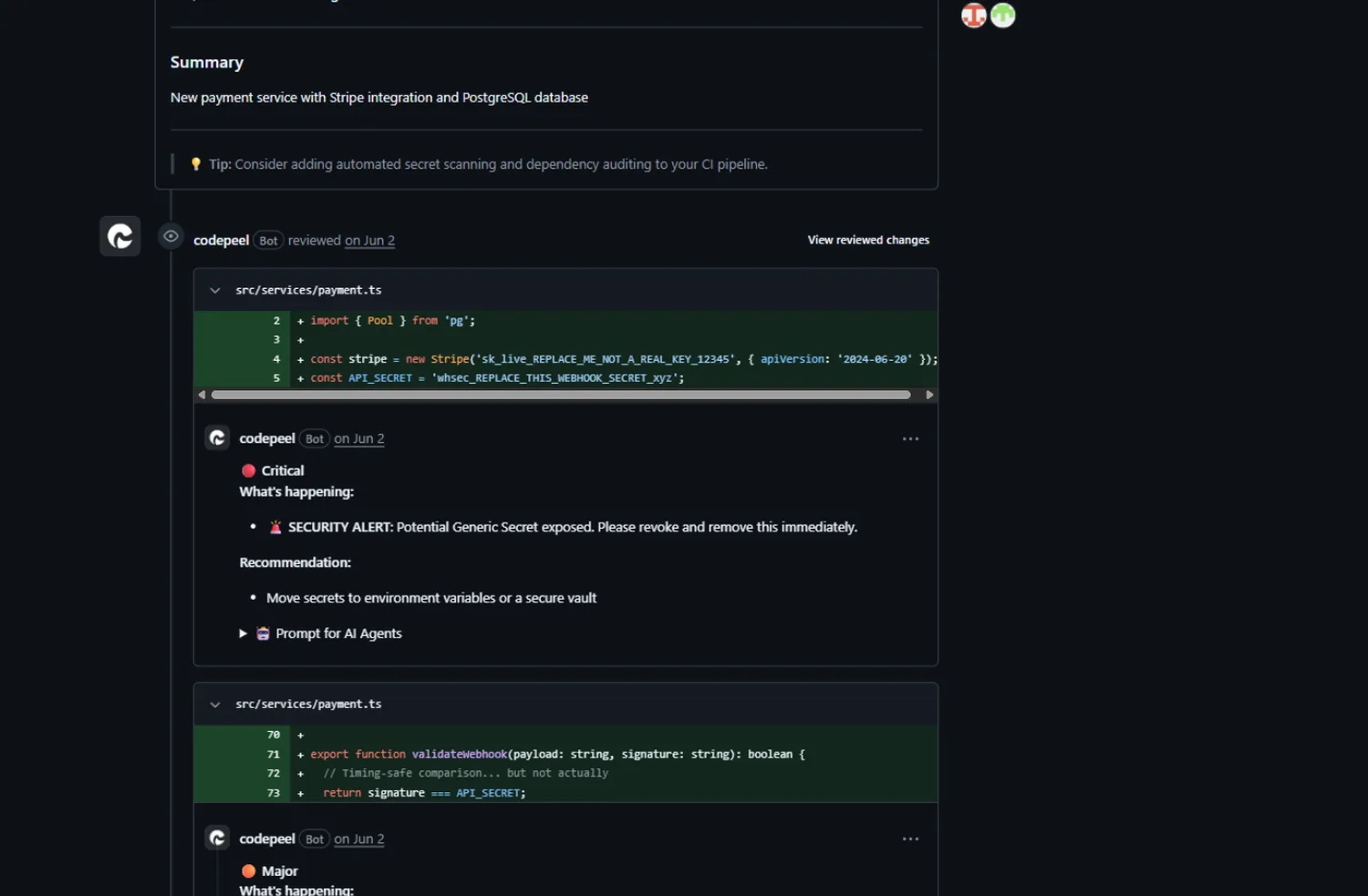
CodePeel is an AI code reviewer for GitHub. Install the GitHub App and it reviews new pull requests for critical bugs, security vulnerabilities, and design flaws — findings land on the affected line with a suggested fix, you can ask @codepeel about any finding, and on Pro it can open a separate pull request with the fix applied. A VS Code extension and an MCP server are included in every tier, and the free plan covers 30 reviews a month on unlimited public and private repositories.
What is Cursor BugBot?
BugBot runs on Cursor’s models and reviews GitHub pull requests automatically or on demand. Findings appear on the PR and can be handed to Cursor’s editor as one-click fix prompts. It ships only with paid Cursor plans — the value is tightest inside the Cursor ecosystem.
CodePeel vs Cursor BugBot, dimension by dimension
| Dimension | CodePeel | Cursor BugBot |
|---|---|---|
| Free tier | 30 reviews/mo, unlimited public + private repos | Not on Cursor Free or Plus — bundled from Premium up |
| Pricing | Pro $9.99/user/mo · Max $24.99/mo unlimited | Included with Cursor plans from Premium (~$30/user/mo) upward — no standalone pricing |
| Ecosystem | Standalone GitHub App | Best value inside the Cursor editor |
| Fix workflow | Opens fix pull requests on Pro | One-click handoff to Cursor |
| Platforms | GitHub | GitHub |
| Editor | VS Code extension included | Cursor editor |
| Agent access | MCP server included, all tiers | Cursor’s agent |
| Cost predictability | Flat monthly allowance | Whatever your Cursor plan costs — no separate review bill |
Sources: codepeel.com/pricing · cursor.com/pricing. Plans change often in this market — verify both before deciding.
Where Cursor BugBot wins and falls short
Cursor BugBot’s strengths
- Tight editor handoff — send a BugBot finding to Cursor and fix it in one click
- Backed by Cursor’s frontier models and rapid release cadence
- Great economics if your team already pays for Cursor
- Automatic and on-demand review modes on GitHub PRs
Cursor BugBot’s weaknesses
- Value is concentrated in the Cursor ecosystem — less useful editor-agnostic
- No standalone pricing — you buy a full Cursor tier to get it
- No standalone free tier covering private repos
- GitHub only, like CodePeel
Where CodePeel wins and falls short
No comparison written by a vendor is neutral, so the weaknesses are here too.
CodePeel’s strengths
- Works with any editor — the GitHub App is the whole install
- Free tier with 30 reviews on unlimited private repositories
- Flat, predictable pricing instead of usage metering
- MCP server means any agent — not just Cursor’s — can call CodePeel
- VS Code extension included in every tier
CodePeel’s weaknesses
- No equivalent of Cursor’s one-click editor handoff
- Smaller brand recognition than Cursor’s model stack
- GitHub only — same limitation as BugBot
The verdict: choose CodePeel if… choose Cursor BugBot if…
Choose CodePeel if Your team reviews on GitHub and uses mixed editors — you want a reviewer that does not depend on which IDE anyone opens, with costs you can predict.
Choose Cursor BugBot if Your team already writes code in Cursor and wants review findings to flow straight into the editor as fix prompts.
Frequently asked questions
How does BugBot’s pricing compare to CodePeel?
Cursor does not sell BugBot separately. It is included in Cursor plans from Premium (~$30 per user per month) upward, and is not part of the Free or Plus tiers. Verify current tiers at cursor.com/pricing; CodePeel’s contrast: $9.99 per user on Pro with 500 reviews, or $24.99 flat for unlimited on Max.
What is the main difference?
Ecosystem. BugBot is designed as part of the Cursor workflow — its best feature is handing a finding to the Cursor editor for a one-click fix. CodePeel is standalone: the GitHub App reviews, the VS Code extension covers pre-push checks, and MCP lets any agent call the same reviewer.
Do I need Cursor to use BugBot?
BugBot can review GitHub PRs without the editor, but its pricing and its best workflow are built around Cursor plans. If nobody on the team uses Cursor, you are paying for an ecosystem you do not use.
Can I migrate from BugBot?
Install the CodePeel GitHub App on the same repositories — new pull requests get reviewed immediately. Keep BugBot on one repo while you compare output for a week.
Which is better for a mixed-IDE team?
CodePeel. BugBot’s value concentrates where Cursor is open; a team split across VS Code, JetBrains, and Neovim gets the same CodePeel findings on GitHub regardless of editor.
More comparisons
- Best AI code review tools (2026) — All eight tools in one table — pricing, strengths, weaknesses, best-for verdicts.
- CodePeel vs CodeRabbit — Agentic teams and multi-platform governance versus critical-only signal.
- CodePeel vs Copilot code review — The bundled generalist versus a dedicated security-and-bugs pass.
Try the editor-agnostic reviewer.
Free, on your own repos.